
BETA A student app for movement, mental health tools, focus, and campus life
Check in. Run the timer.
Take the reset you planned.
MOVE is organized around five tabs: Today, Move, Tools, Community, and You, with Focus, Reset, Journal, and support close by.
01 / TODAY
See the routes before choosing one.
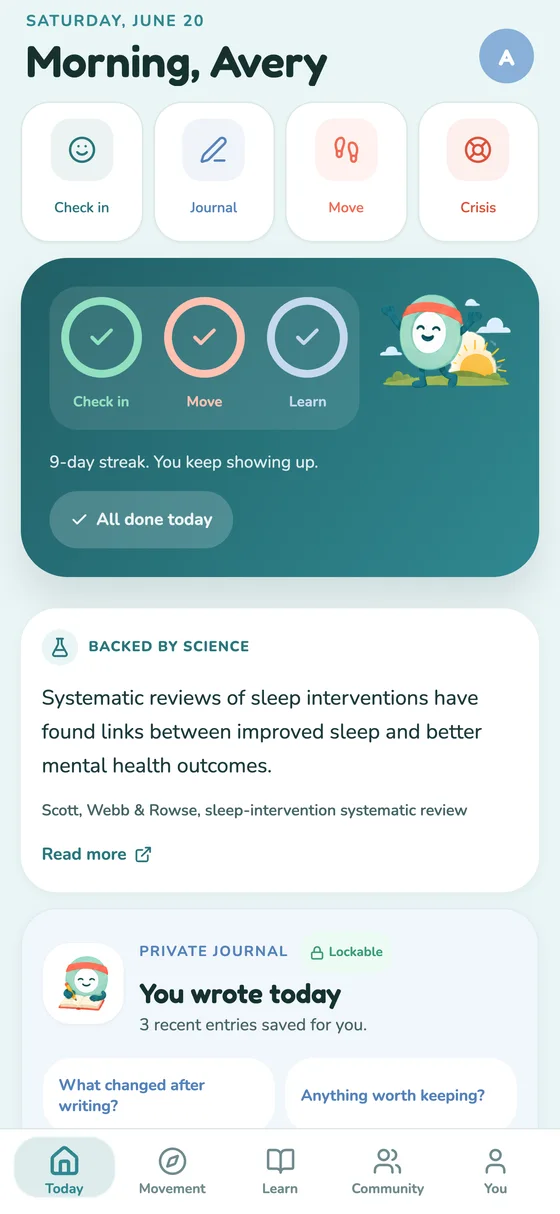
Today shows a check-in, quick access to Focus, Move, and Tools, and the day’s current activity. It can surface different prompts after a check-in.
- Check-in
- A brief entry about right now
- Quick routes
- Focus, Move, Tools, Journal, and crisis support
- Suggestions
- Contextual options, never a diagnosis
02 / FOCUS & RESET
Choose the rhythm and the break length.
Classic runs 25 minutes of focus and a 5 minute reset. Deep Focus runs 50/10. Flow has no focus deadline. Custom accepts a personal focus and break duration.
- During focus
- Pause, resume, or end without losing the timer
- After focus
- Pick a 2, 5, or 10 minute reset
- Task label
- Optional and stored on the device by default
03 / MOVE
Walk, stretch, or take a short study break.
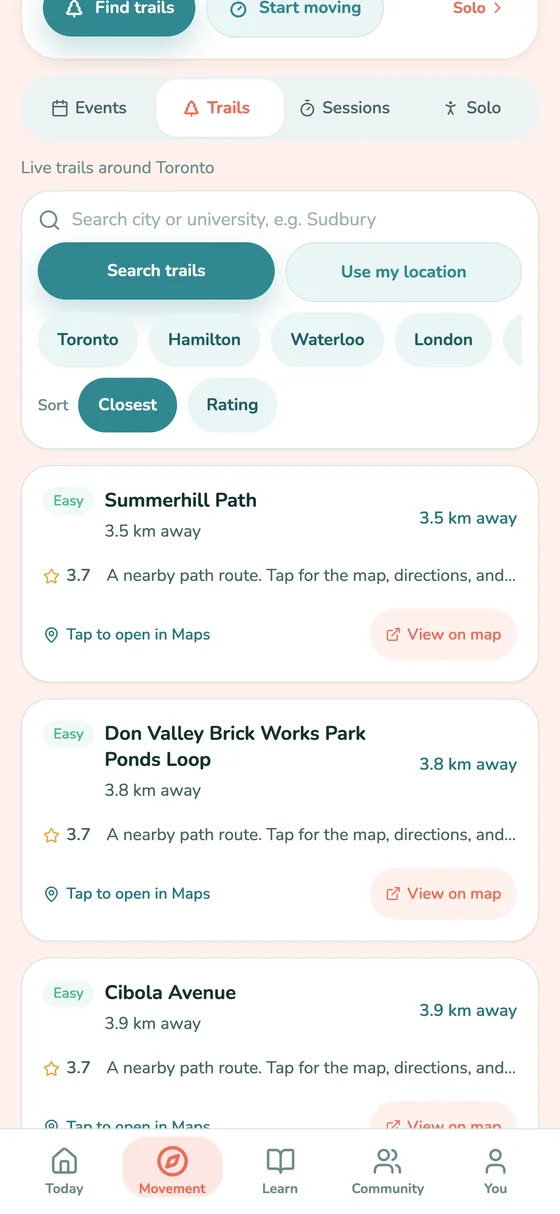
MOVE keeps immediate movement options separate from broader exploration. Solo sessions are available without calorie estimates, body-weight framing, pace targets, or a public leaderboard.
Availability: nearby trails and events depend on location, current listings, and account context.
04 / TOOLS
Open a guided tool and follow it at your pace.
Tools includes breathing, grounding, movement, sleep, problem-solving, self-compassion, help-seeking, focus, and social wellbeing options. Each tool is optional.
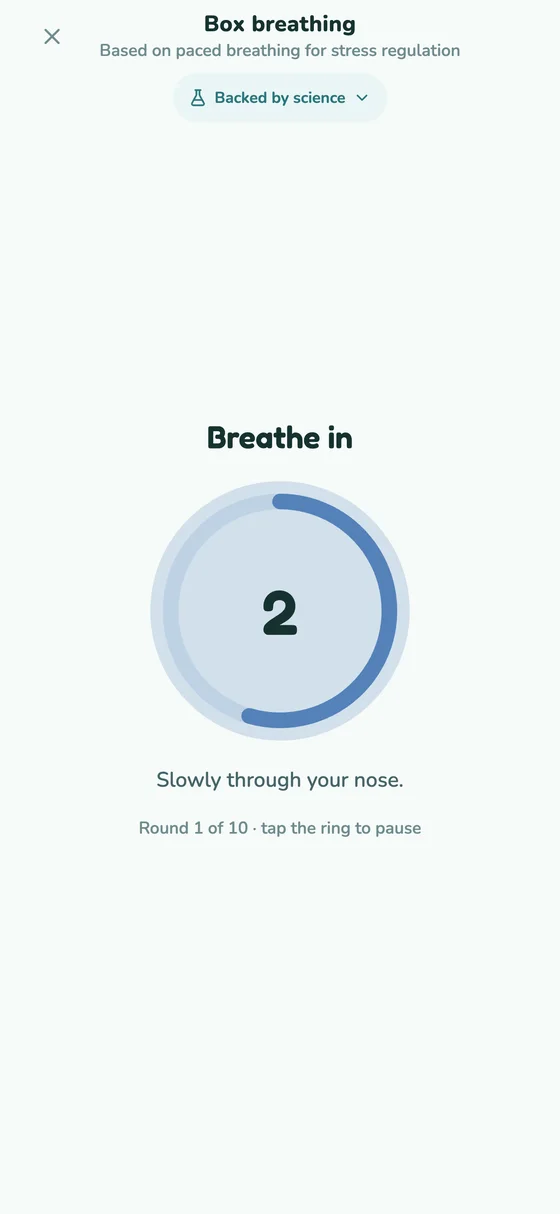
Example: Box breathing uses a visible 4–4–4–4 paced ring with pause and round controls.
05 / JOURNAL
Keep personal writing out of Community.
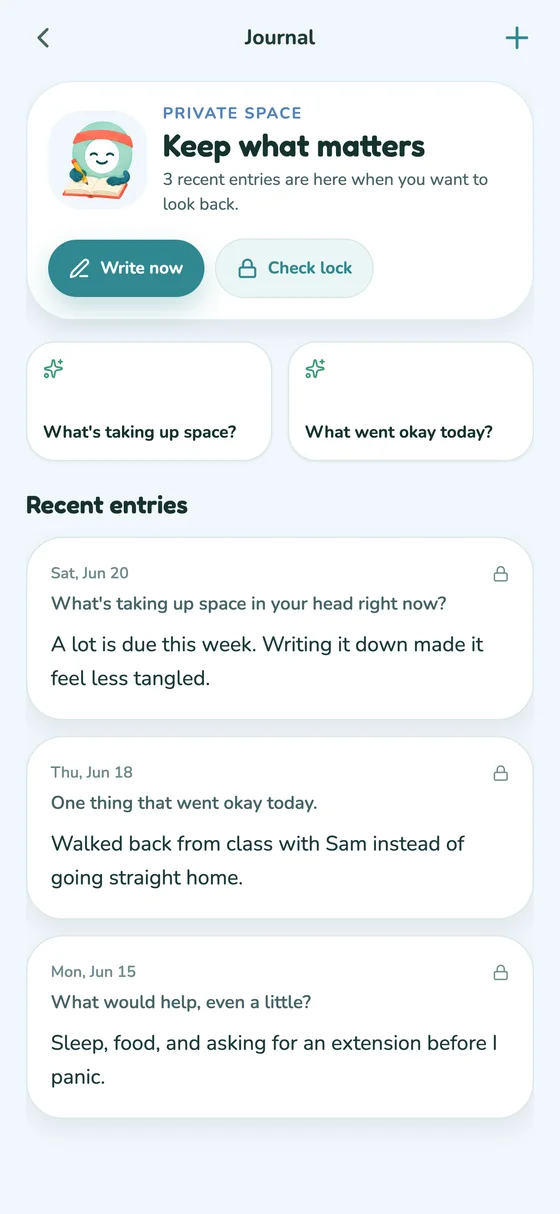
The Journal offers private prompts and recent entries. A user can enable a biometric journal lock on the device. Journal text is not posted to friends, groups, or campus.
How MOVE handles personal data06 / COMMUNITY
Use a friend code. See campus resources and available activities.
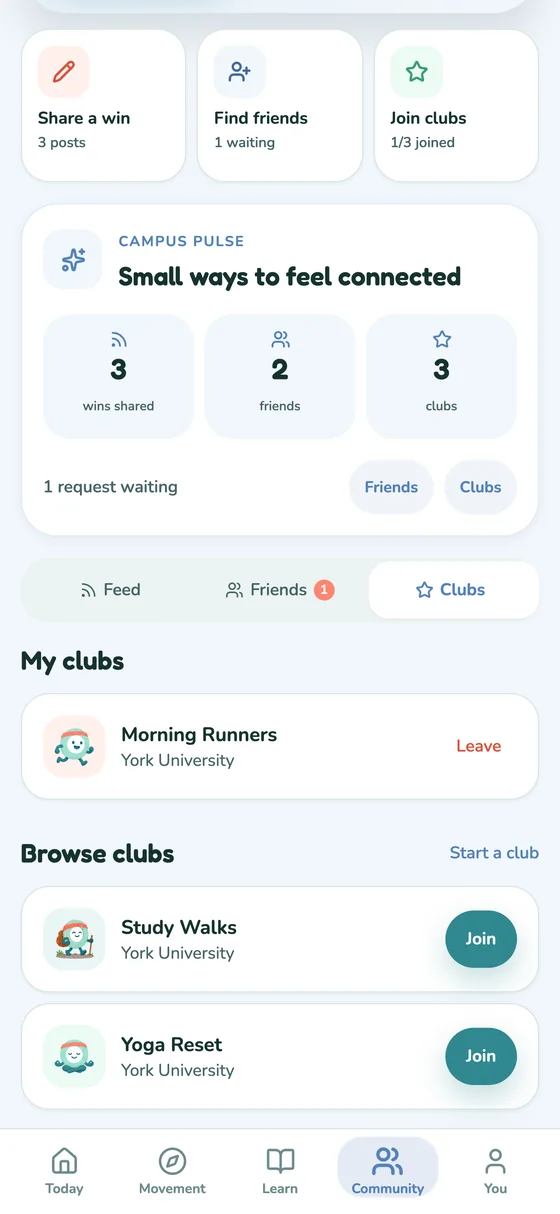
The current Beta keeps Community scoped to the signed-in student and school context. Friends, campus resources, and available activity are shown with reporting, blocking, and account controls. Open posting, event chat, and club creation are not part of this release.
Availability: Community content can vary by school, account, and current release gate.
BETA ACCESS
Try the workflows shown here.
Request access as a student, or ask for a campus walkthrough of the current Beta.
Request Beta access